




What Is It?
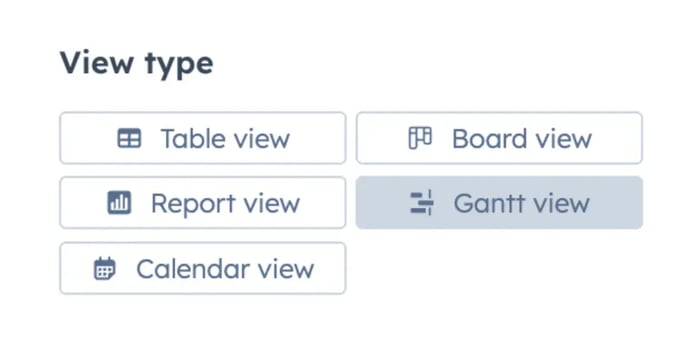
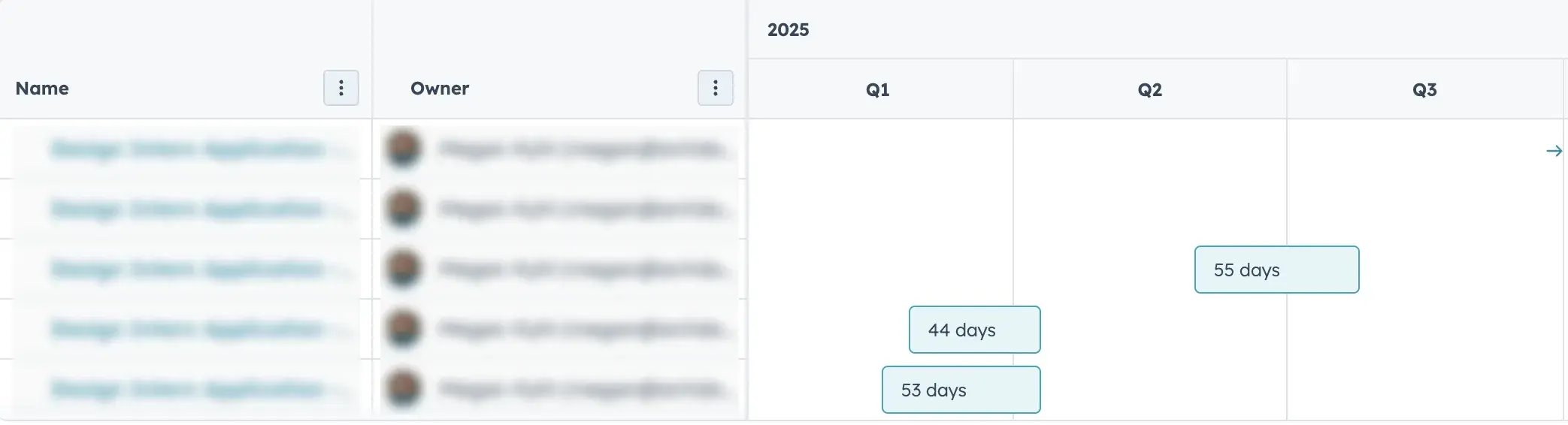
HubSpot has added a new Project object that lets teams organize work inside the CRM instead of relying on outside tools. It includes a Gantt chart view that shows timelines, task sequencing, and dependencies at a glance.
What Is Changing?
- The CRM now includes a dedicated Project object.
- Projects can store owners, timelines, tasks, records and attachments.
- A Gantt view shows start and end dates on a visual timeline.
- Tasks can be dragged to adjust timing.
- Dependencies can be added to show what needs to happen first.
Why Does It Matter?
This update aligns with what we push for every day with clients. Tools should make life easier, not pile on more work.
Many teams juggle projects in tools that never touch the CRM. Timelines live in one place. Tasks live in another. Notes live somewhere else entirely. When everything is split across platforms, it becomes hard to see the big picture and even harder to keep things moving.
Bringing project planning into HubSpot, in theory, removes some of that friction. The real question is whether this is something worth your time in its current state. In our opinion, it is not a magic fix, but it is a practical improvement for anyone who wants fewer moving parts and fewer headaches. You shouldn’t toss your existing project management software yet. It is a helpful step forward but still needs more development before it can replace dedicated tools.
How Does It Work?
- Create a new project using the Project object.
- Add owners, summaries, dates and associated records.
- Add tasks with start and end dates.
- Open the Gantt view to see everything laid out on a timeline.
- Drag tasks to adjust timing as the project shifts.
- Add dependencies to show which tasks rely on others.
- Track progress directly from the chart as work moves forward.
Additional Notes
- The feature is rolling out gradually based on plan type.
- Permissions match existing CRM object rules.
- Some custom fields may not appear in the Gantt view yet. Support will likely expand over time.