




HubSpot’s latest update allows you to build landing pages with the Content Agent in Breeze Assistant. It lets you use your brand kit, voice and existing CRM data, along with past landing pages, to generate a new page tailored to your business. Here’s how it works.
How Does It Work?
-
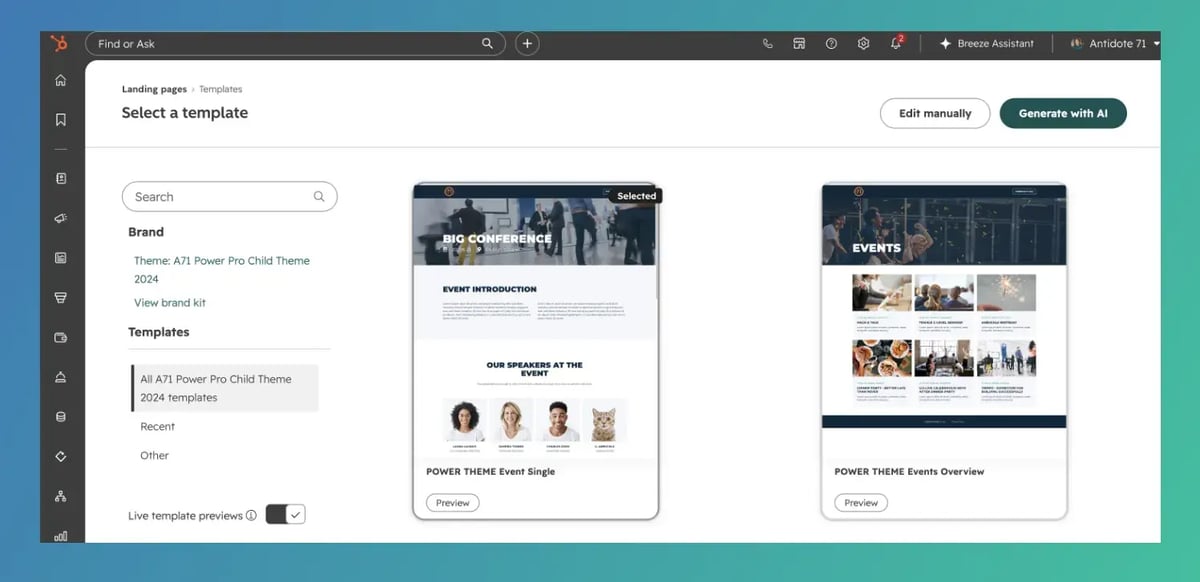
Navigate to Content > Landing Pages
-
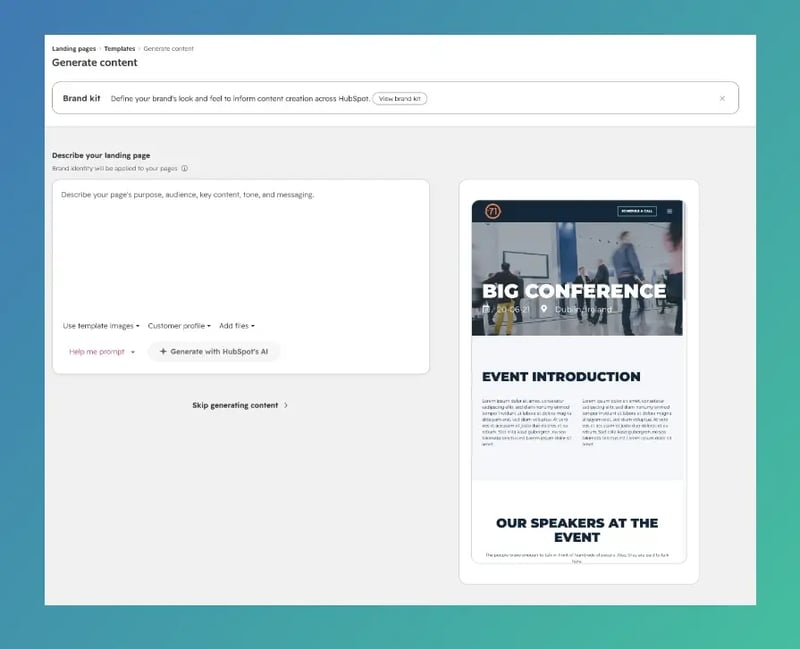
Click Create a landing page
-
Select Create with AI and follow the prompts
As with anything AI-generated, double-check everything to ensure accuracy. We recommend using this only as a starting point, not a final product. To create a landing page in Breeze Assistant:
-
Click Assistant in the top navigation bar of your HubSpot portal
-
Tell Breeze Assistant you want to create a landing page
- Follow the conversational flow to build your page
Our Thoughts
This is a helpful feature that gives you a great starting point, since creating a landing page from scratch can take time. But we’re not sure this feature is currently worth it as it stands. HubSpot insists these landing pages are publish-ready, but even if they come out almost perfect, you’ll still need to spend significant time polishing them. It will also cost you credits to use this feature, which makes it an even harder sell.
You’re better off waiting on this feature and still taking time to create your own quality landing pages, since the agent still isn’t up to standard.
Who Gets It?
This feature is available for HubSpot Marketing Hub Professional, HubSpot Content Hub Starter, Professional and Enterprise.